
How to Use Dilex Search
Interactive Tour
Explore Dilex Search step by step. Select a workflow below, then navigate through each screenshot to see how the interface works on desktop and mobile.
Tours
Preview
Steps
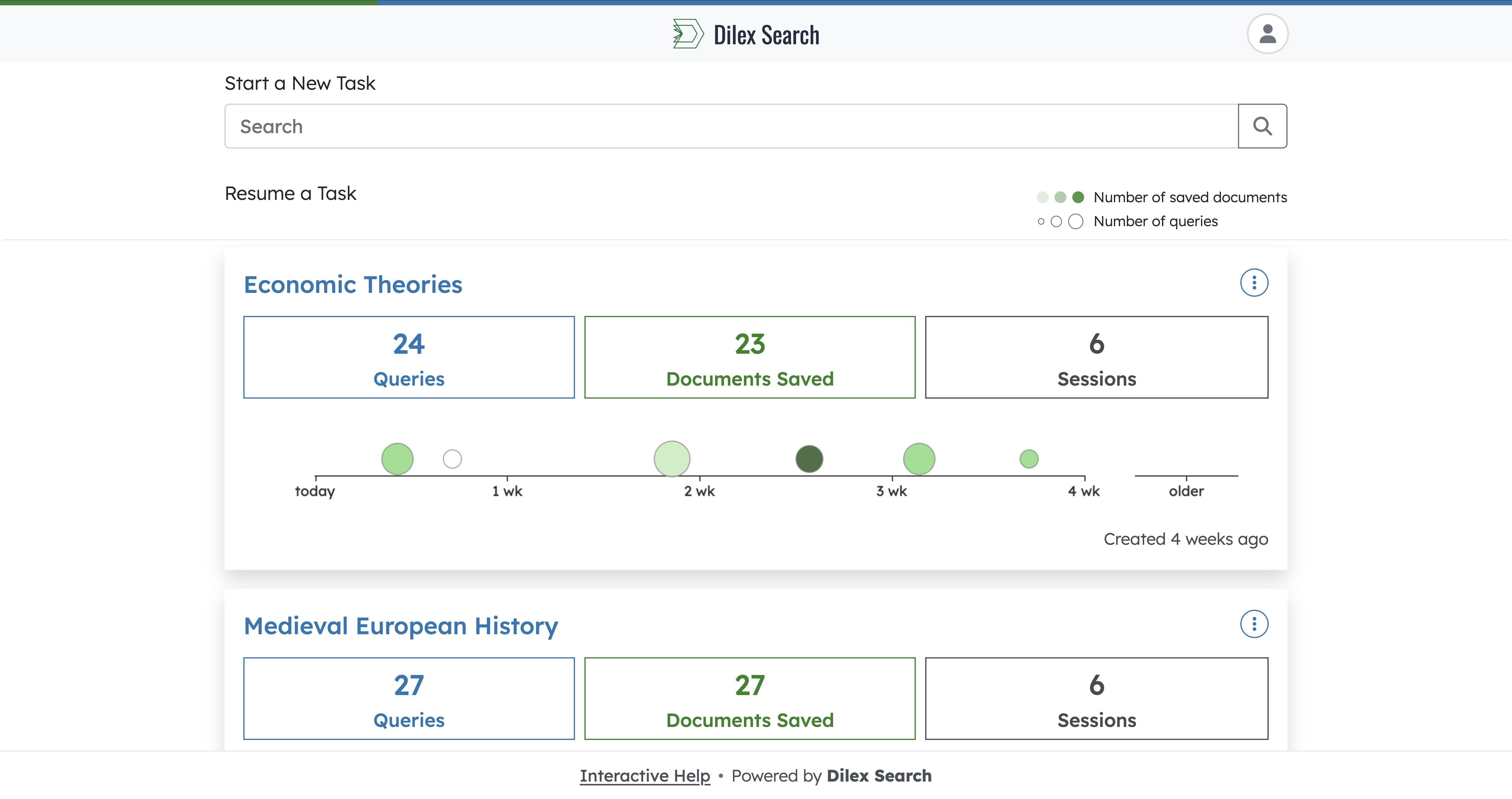
Step 1 of 13
Home: Enter a search query
From the home page, type your query into the search box to begin a brand new search task.
Pulsing Animation
Auto-Play
Want to see Dilex Search live?
Book a personalised demo with our team to see how Dilex Search fits into your library's ecosystem.